 4.8 / 5






How to disable the Locator Card 3.0
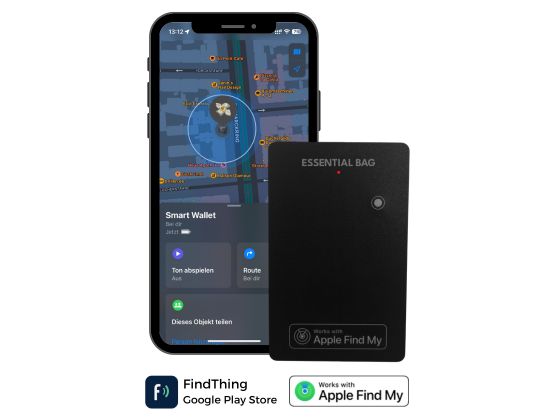
This article is related to the Locator Card 3.0 and Google’s Find My Device app.
The Locator Card 3.0 can be disabled to stop it from sharing its location. Once disabled, it will no longer report to Google’s Find My Device network and the owner will no longer receive updates on its current location.
If you receive a message on your Android device that an Locator Card 3.0 Card has been detected near you and you are not familiar with this device, you can make the Locator Card 3.0 ring through the system notification you have received. After locating the item, use the steps described below to disable it. The owner will no longer receive updates on the location of this Locator Card 3.0 and it will no longer trigger unknown-tracker alerts.
Disable by using the button
Locator Card 3.0 can be manually turned off using the built-in button.
- Locate the small button on the Tracker Card.
- Press the button 5 times quickly in a row.
- Locator Card 3.0 will play 4 confirmation tones.
- After these tones, the Locator Card 3.0 is powered off.
When the Locator Card 3.0 is disabled:
- It no longer broadcasts any signals
- It stops reporting its location to Google’s Find My Device network
- It cannot be found or updated by its owner
- It does not trigger unknown-tracker safety alerts anymore
Disable by draining the battery
If the button cannot be accessed, Locator Card 3.0 can also be disabled by stopping its power supply.
- Do not recharge the Locator Card 3.0.
- Once the internal battery is fully discharged, the device turns off automatically.
- When the battery is empty, the Locator Card 3.0 will no longer appear in Find My Device and will stop sending any signals.
Note: The Locator Card 3.0 is a sealed device. The battery cannot be removed manually and the device cannot be opened without causing permanent damage.
How to re-enable the Locator Card 3.0
You can re-enable the Locator Card 3.0 by turning it back on or recharging it.
Press the button
- Press the button on the Locator Card 3.0 once.
- The device will play a confirmation tone indicating that it is turned on again.
- You may now pair it again with the Find My Device network.
Recharge the Locator Card 3.0
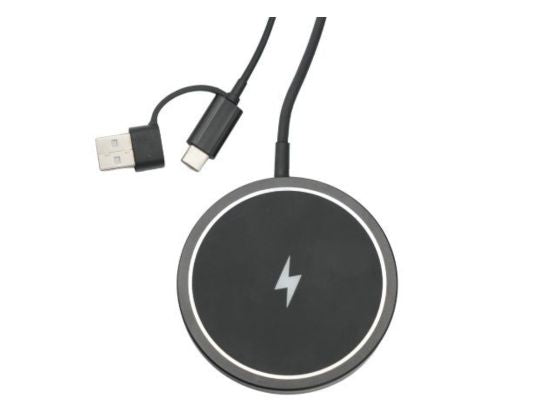
- Place the Locator Card 3.0 on a wireless charging pad (Qi-compatible).
- Wait until the card begins charging.
- Once it has power, it will reactivate and can be added back to the Find My Device app.